

Documentation Index
Fetch the complete documentation index at: https://docs-dev.tessact.ai/llms.txt
Use this file to discover all available pages before exploring further.
Overview
The General tab also includes the workspace-level behavior toggles that affect project visibility and exported media behavior.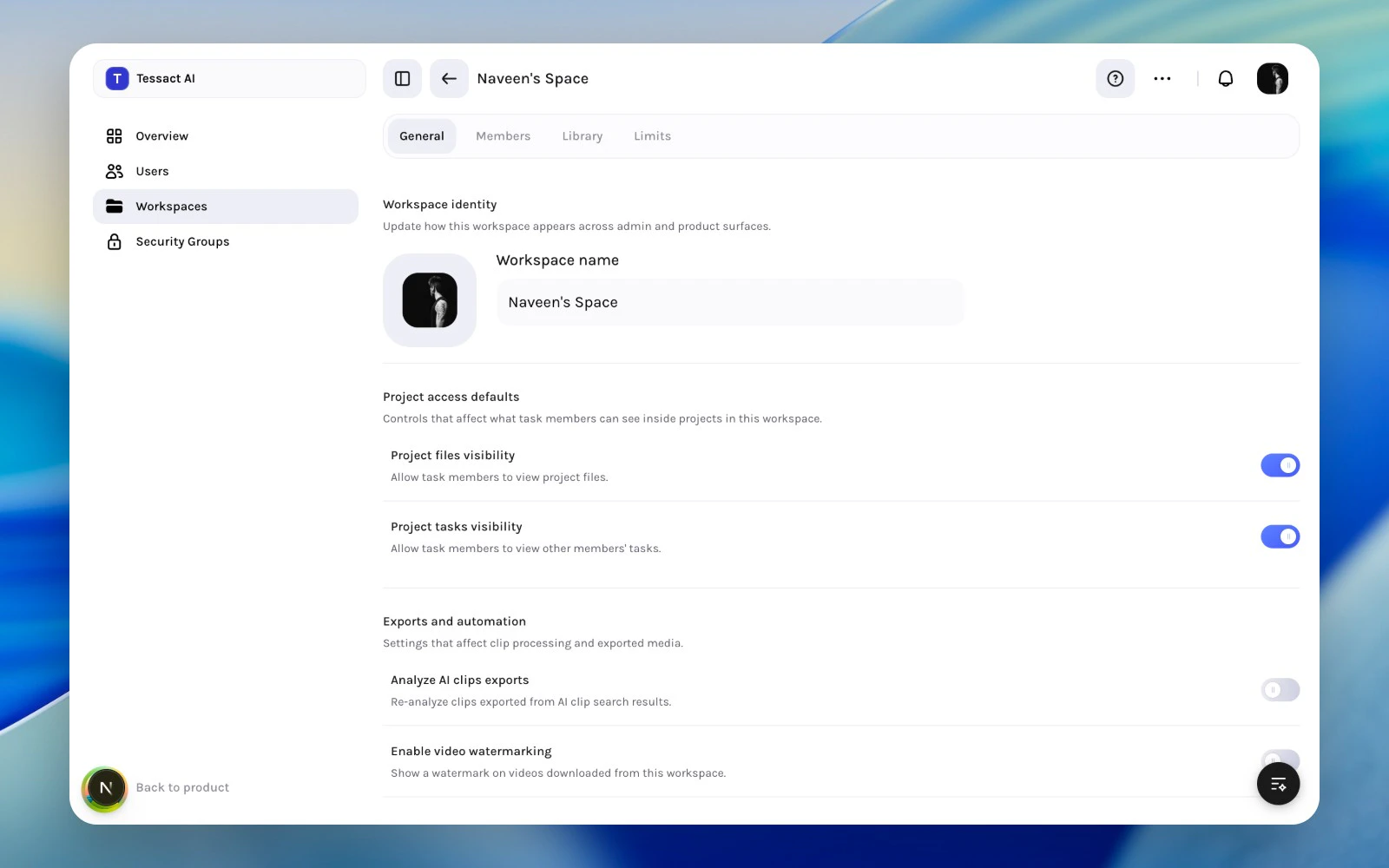
Settings In This Section
Current controls include:- Project files visibility
- Project tasks visibility
- Analyze AI clips exports
- Enable video watermarking
- Custom watermark text when watermarking is enabled
Guide: Change Access Behavior Carefully
Review project visibility toggles first
Use the project visibility controls to decide how much task members can see inside projects in this workspace.
Change export settings only with a clear reason
Export-analysis and watermark settings affect downstream media behavior, so they should be changed intentionally rather than casually.
When To Use These Controls
Use them when:- the workspace needs tighter or broader project visibility
- exported media should follow a specific watermark policy
- the workspace has a distinct automation or clip-processing rule
Best Practices
- Keep access behavior aligned with the real operating model of the workspace.
- Review visibility toggles whenever external or temporary collaborators are added.
- Document why watermarking or export-analysis behavior differs from other workspaces.
Next Steps
Workspace branding and identity
Return to the broader General tab.
Storage policy planning
Separate behavior settings from capacity policy and storage controls.