

Documentation Index
Fetch the complete documentation index at: https://docs-dev.tessact.ai/llms.txt
Use this file to discover all available pages before exploring further.
Overview
Enabling file statuses is easy. Rolling them out cleanly is the harder admin job. Tessact lets you keep the status catalog configured even when visibility is off, which makes staged rollout practical.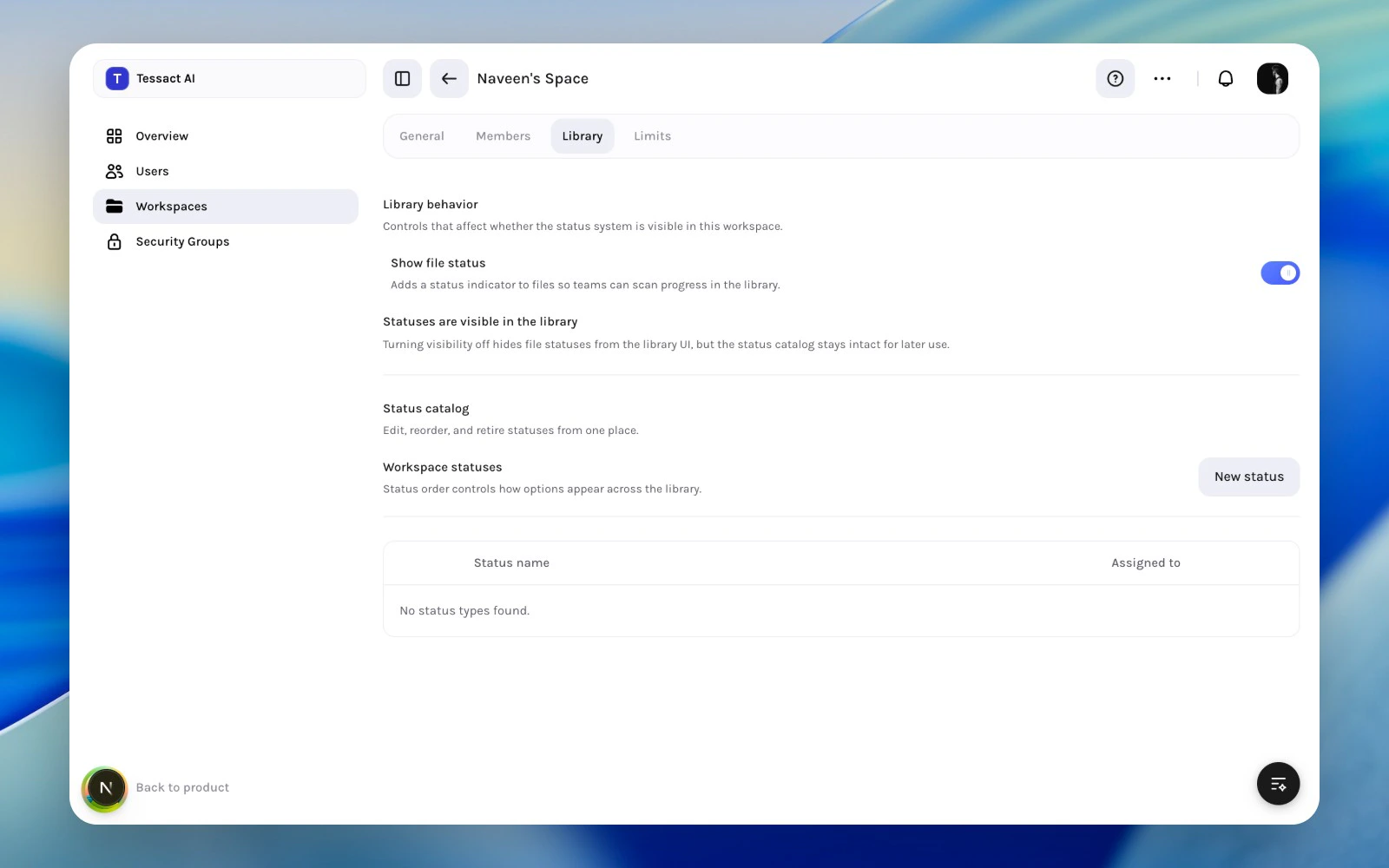
Rollout Checklist
Before you make statuses visible to a team, confirm:- the catalog reflects real workflow stages
- the names are understandable to non-admin operators
- the default status makes sense for new uploads
- someone owns ongoing status cleanup
Recommended Rollout Flow
Enable visibility when the catalog is ready
Turn on Show file status only when the workflow is coherent enough for teams to trust what they see.
Best Practices
- Roll out statuses with clear ownership and naming, not as a vague experiment.
- Avoid adding status types for every edge case.
- Keep rollout local to the workspace unless the model has proven itself.
Next Steps
Library status design
Return to the status-catalog design guidance.
Workspace admin essentials
Put library rollout in the context of the full workspace review loop.