

Documentation Index
Fetch the complete documentation index at: https://docs-dev.tessact.ai/llms.txt
Use this file to discover all available pages before exploring further.
Overview
Once you open a workspace in admin, Tessact keeps the job focused on four sections:- General
- Members
- Library
- Limits
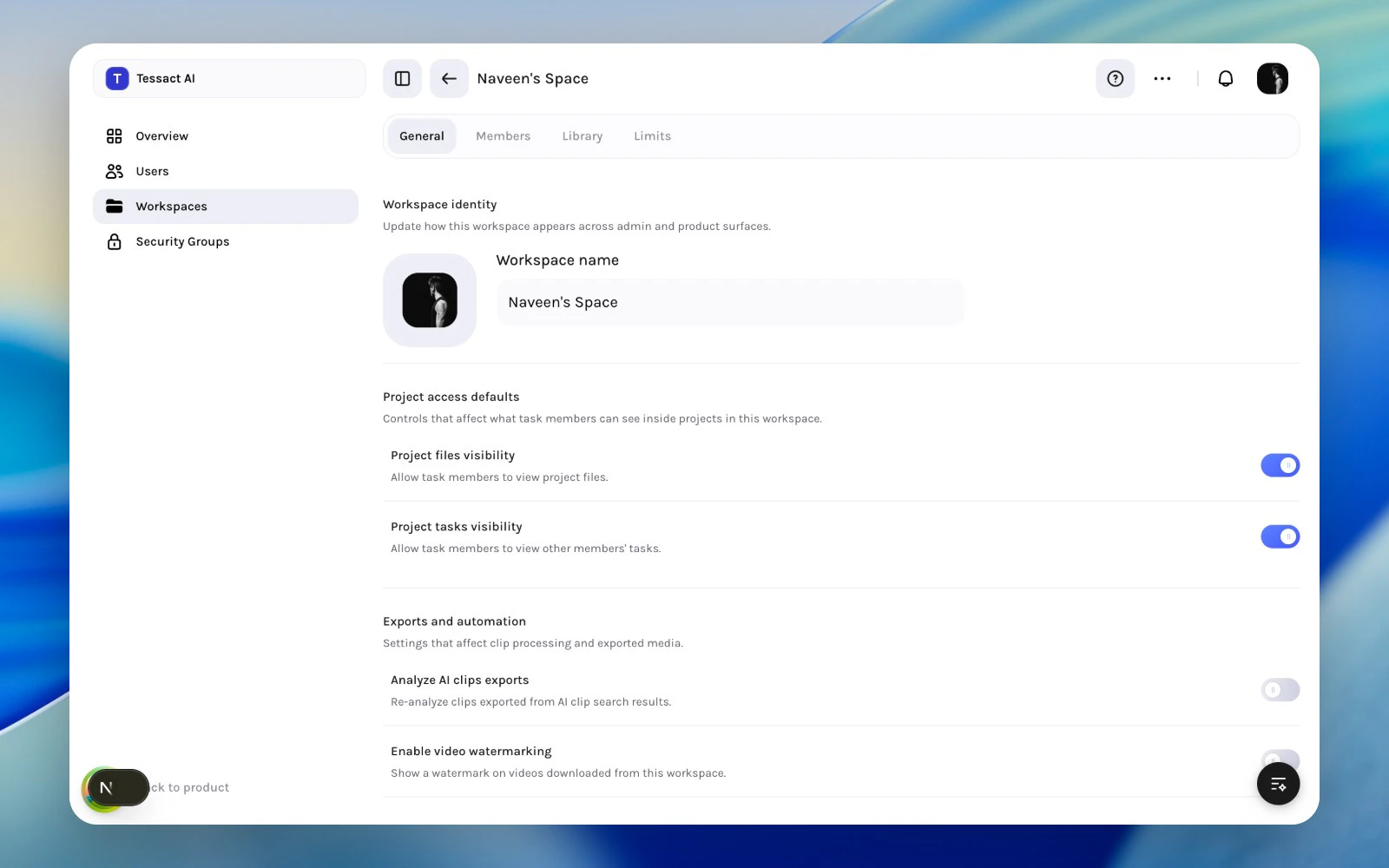
What Each Section Is For
| Section | Primary admin job |
|---|---|
| General | Workspace identity plus access and export behavior |
| Members | Add, review, role-check, export, and remove workspace users |
| Library | File status visibility and the status catalog |
| Limits | Storage usage and workspace-level capacity policy |
How To Approach A Workspace Review
Confirm what this workspace is
Start with General so you can verify the workspace name, logo, and basic behavior settings.
Review who has access
Open Members to inspect the current cohort, workspace roles, and recent activity.
Check workflow behavior
Use Library when status visibility or status design affects how teams track work in this workspace.
When To Stay At The Workspace Level
Stay in workspace admin when:- the question is about one workspace’s identity or behavior
- the concern is about member fit, not org-wide role design
- file-status behavior is specific to one workspace
- storage review needs workspace-level context
Best Practices
- Review the workspace in section order instead of changing settings ad hoc.
- Keep identity, access, library policy, and limits conceptually separate.
- Use the workspace surface for local decisions and the admin root for org-wide ones.
Next Steps
Workspace branding and identity
Go directly into the General section and the settings it exposes.
Status systems and limits
See how library status design and capacity policy fit together.